
Reliquary
Photos stay on your phone.
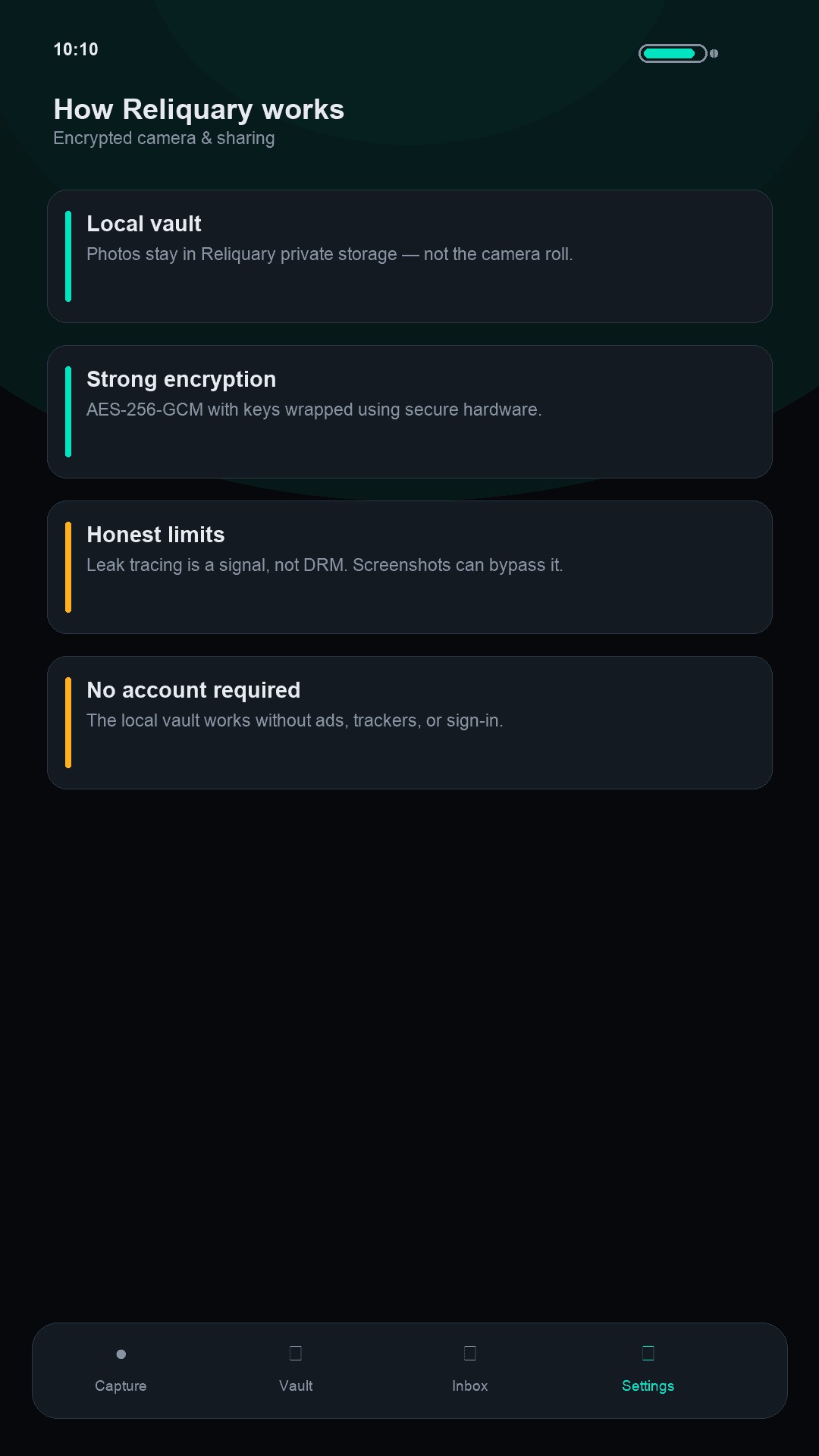
They go into an encrypted vault in the app. They do not sync to iCloud or Google Photos unless you send them there.
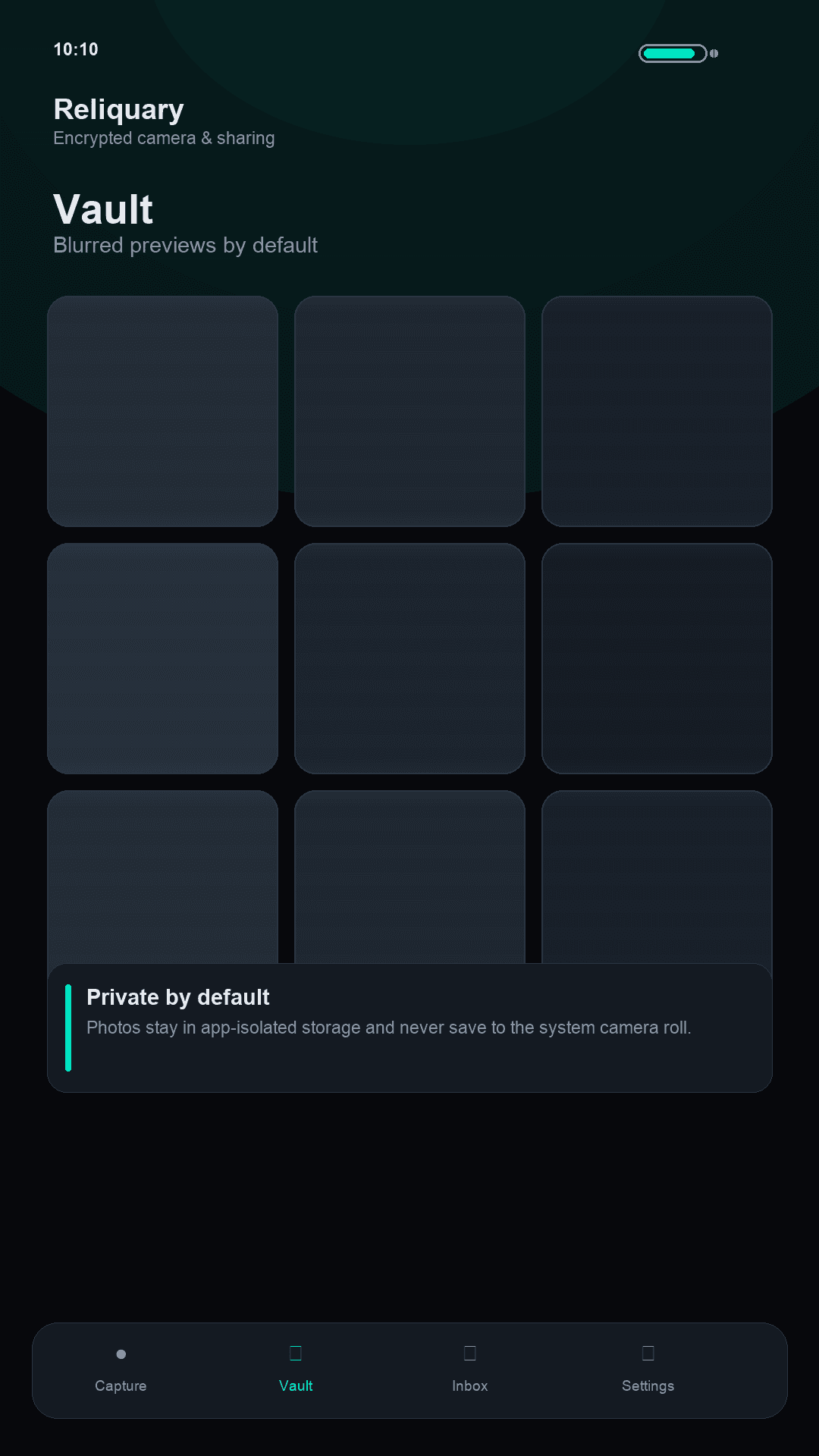
A camera that stays on your device
The vault does not need an account, and there are no ads. You share a photo only when you choose, with someone you pair in person.
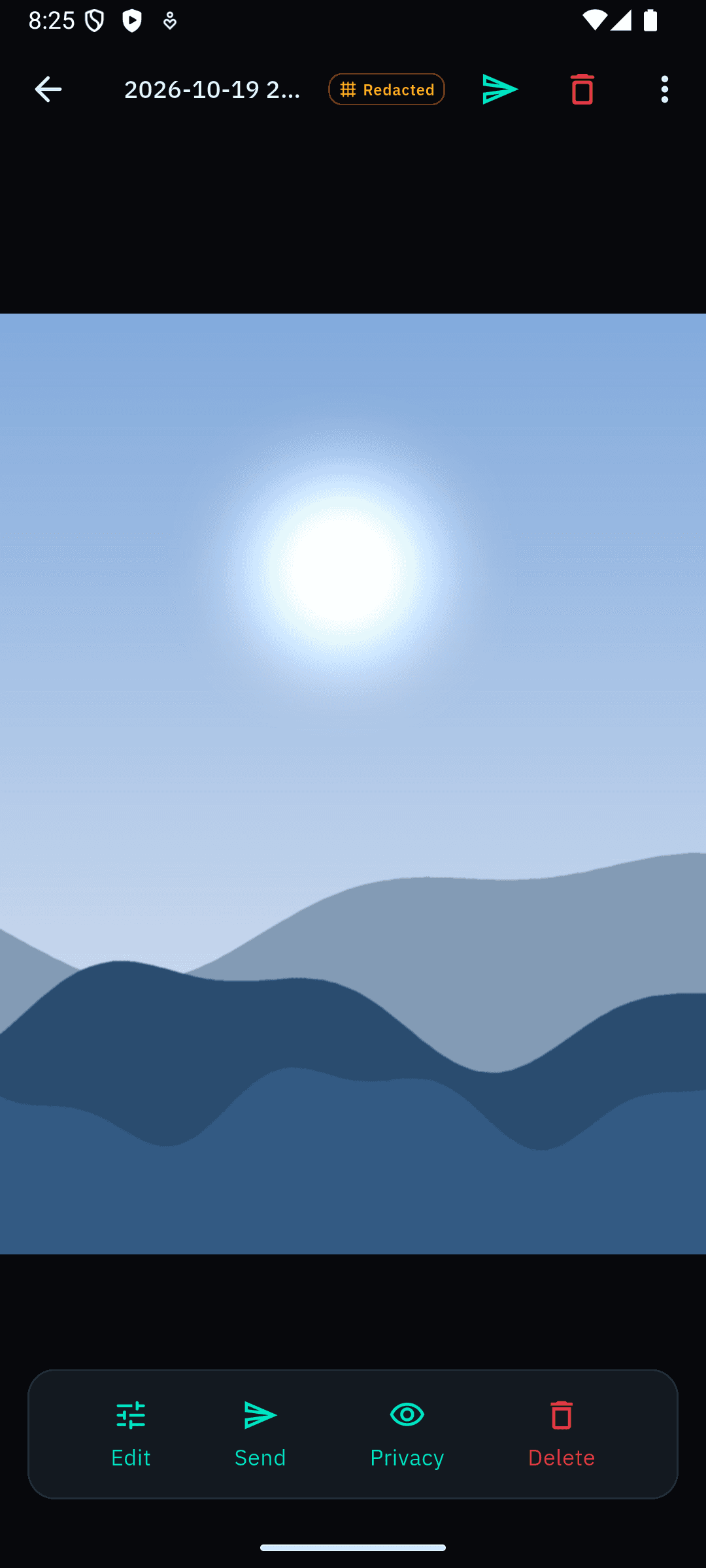
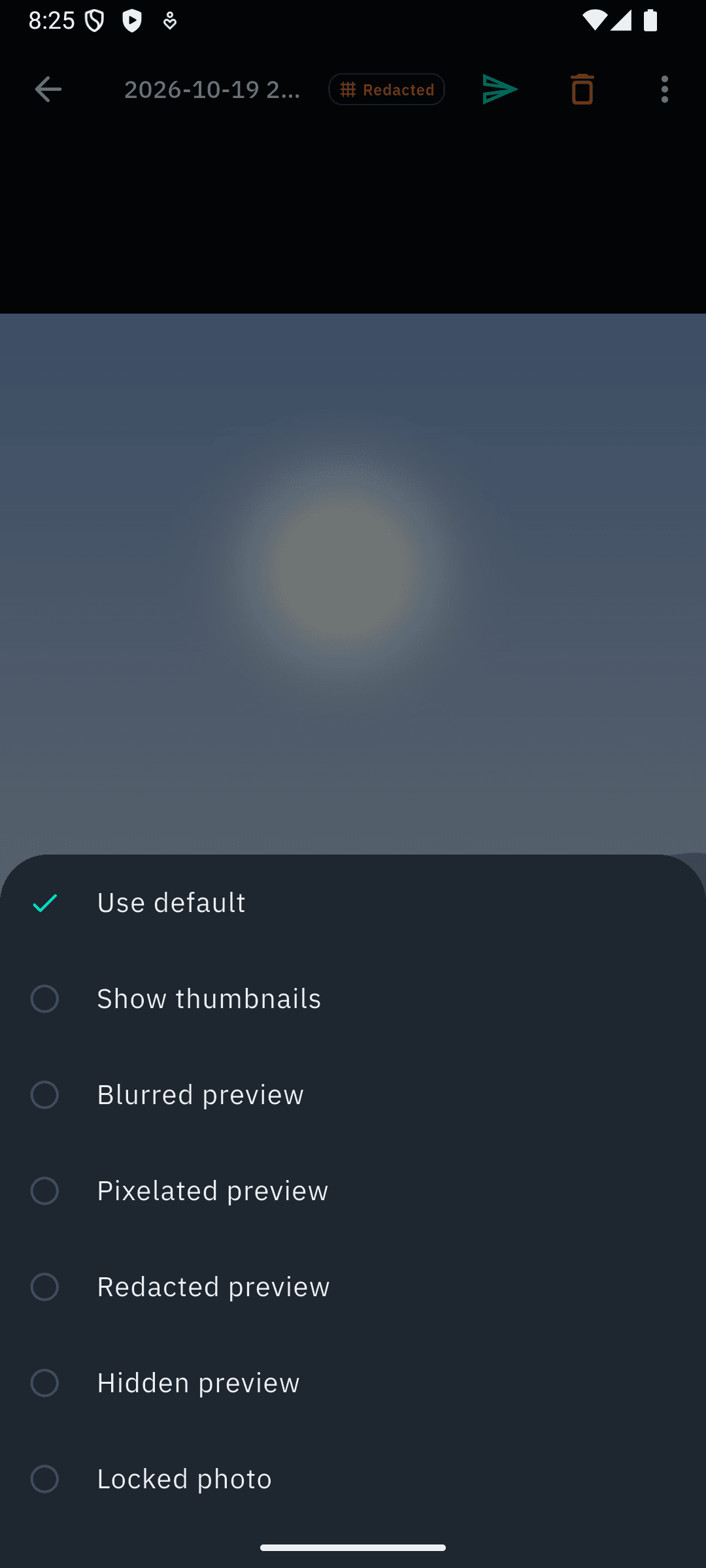
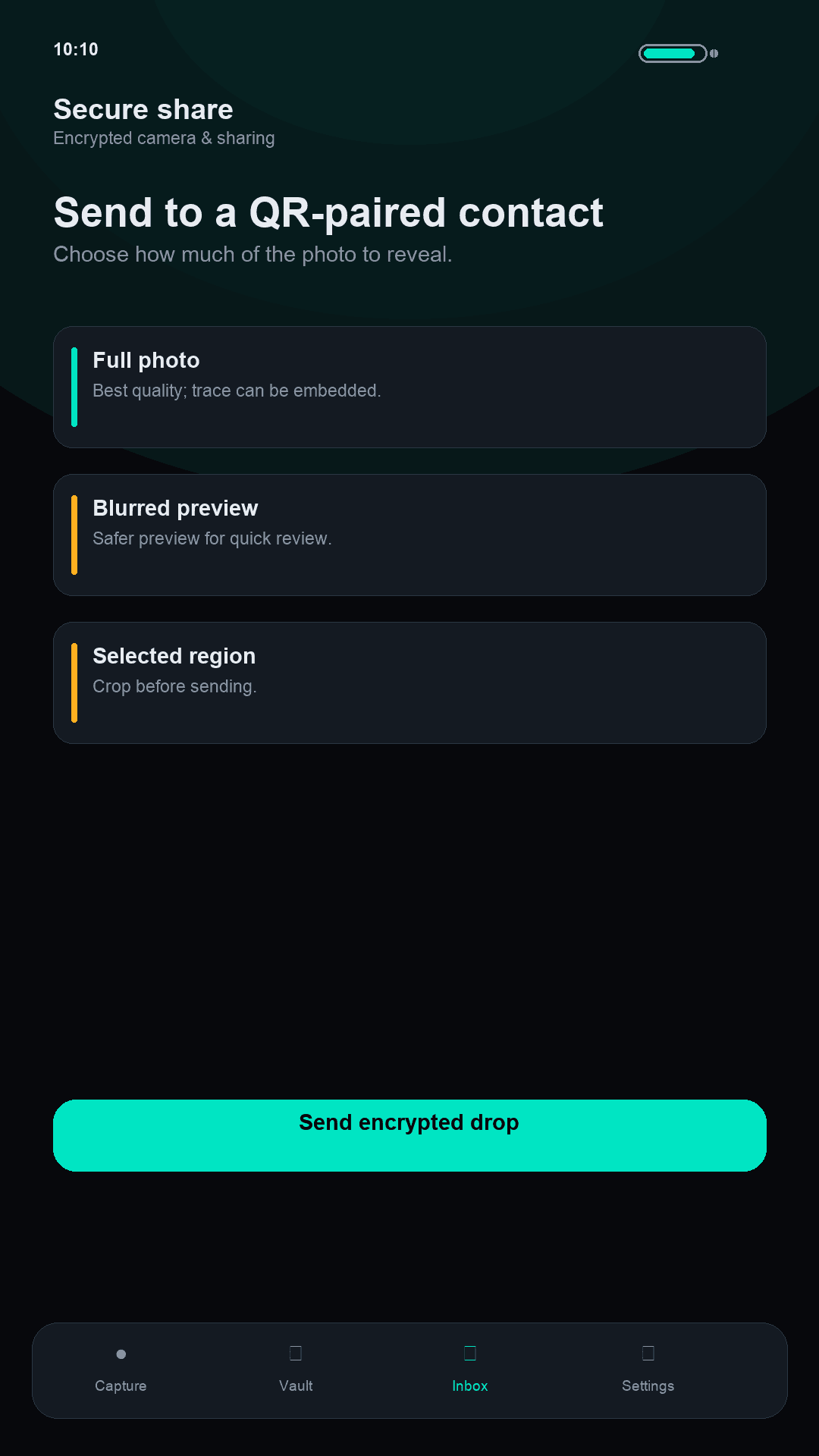
01
Off the camera roll
The shutter writes into Reliquary’s encrypted vault, not the system gallery, so photos are not scooped into iCloud or Google Photos by default.
02
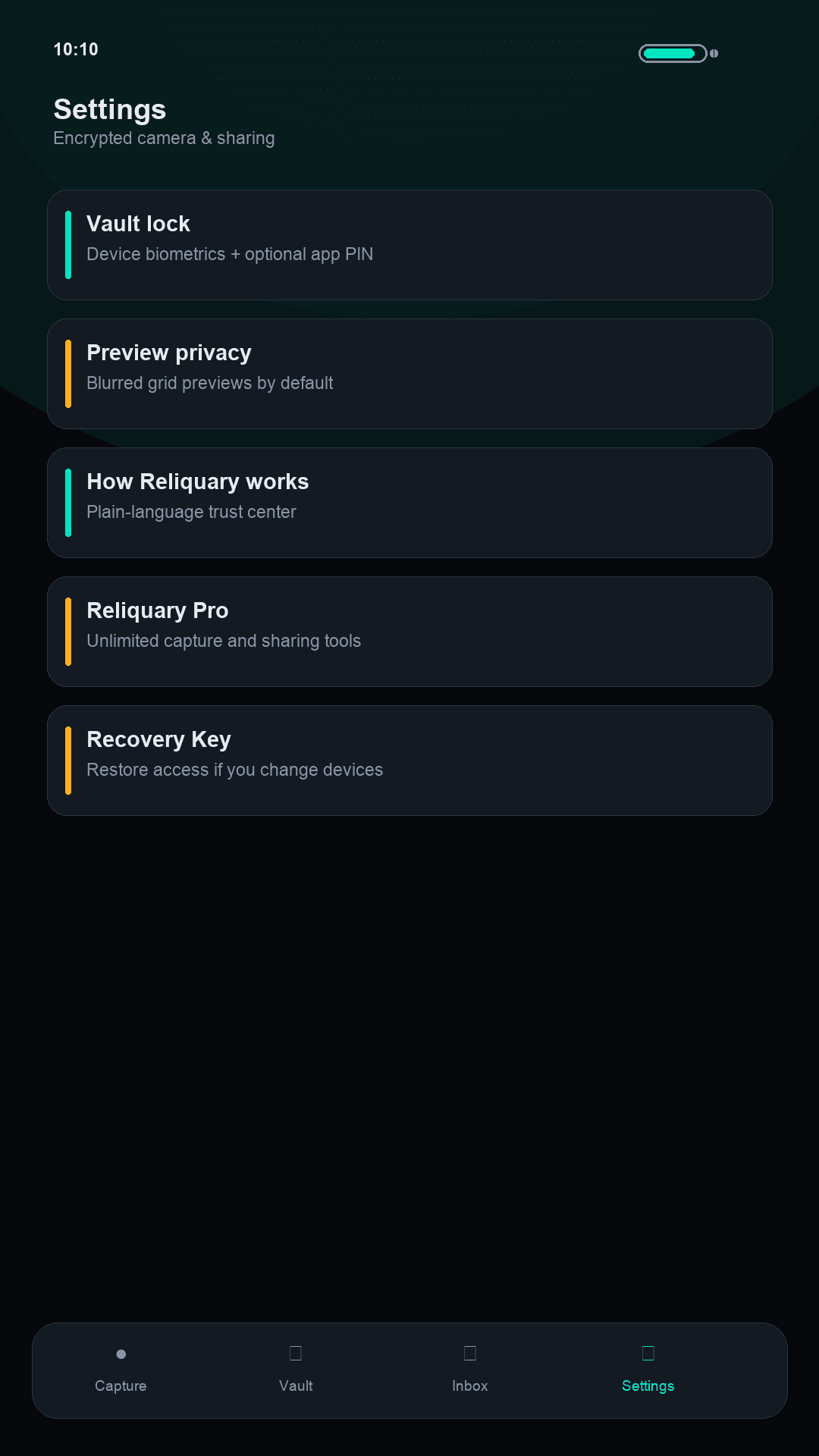
You hold the Recovery Key
AES-256-GCM at rest on your device. Apps for Good does not keep a spare key. Lose the key, and we cannot recover the vault.
Free vault and Pro
Pro is a one-time unlock, not a subscription.
Free vault
Free
A small private set, fully local.
- Up to 10 encrypted captures or imports
- PIN vault lock
- Blurred or pixelated grid privacy
- 3 secure shares to try the flow
Reliquary Pro
One-time unlock
Not a subscription.
- Unlimited captures
- Trusted contacts, share, and inbox
- Delivery tracing and watermarks (best-effort)
- Biometrics and encrypted backup export
Reliquary encrypts locally and shares only when you choose. It does not stop screenshots while unlocked, physical coercion, or determined edits of files you already shared. Optional share relay may see short-TTL delivery metadata, never photo plaintext.
Common questions
Does it sync to iCloud or Google Photos?
No. Captures stay in Reliquary’s app storage and are not written to the system camera roll by default.
Do I need an account?
No account for the local vault. No ads. No cloud photo library login.
What if I lose my phone?
Restore with your Recovery Key on a new device. Apps for Good does not hold a copy. Without the key, vault contents cannot be recovered by us.
Get Reliquary
Store listings open when ready. No fake download links in the meantime.
Support: Contact support